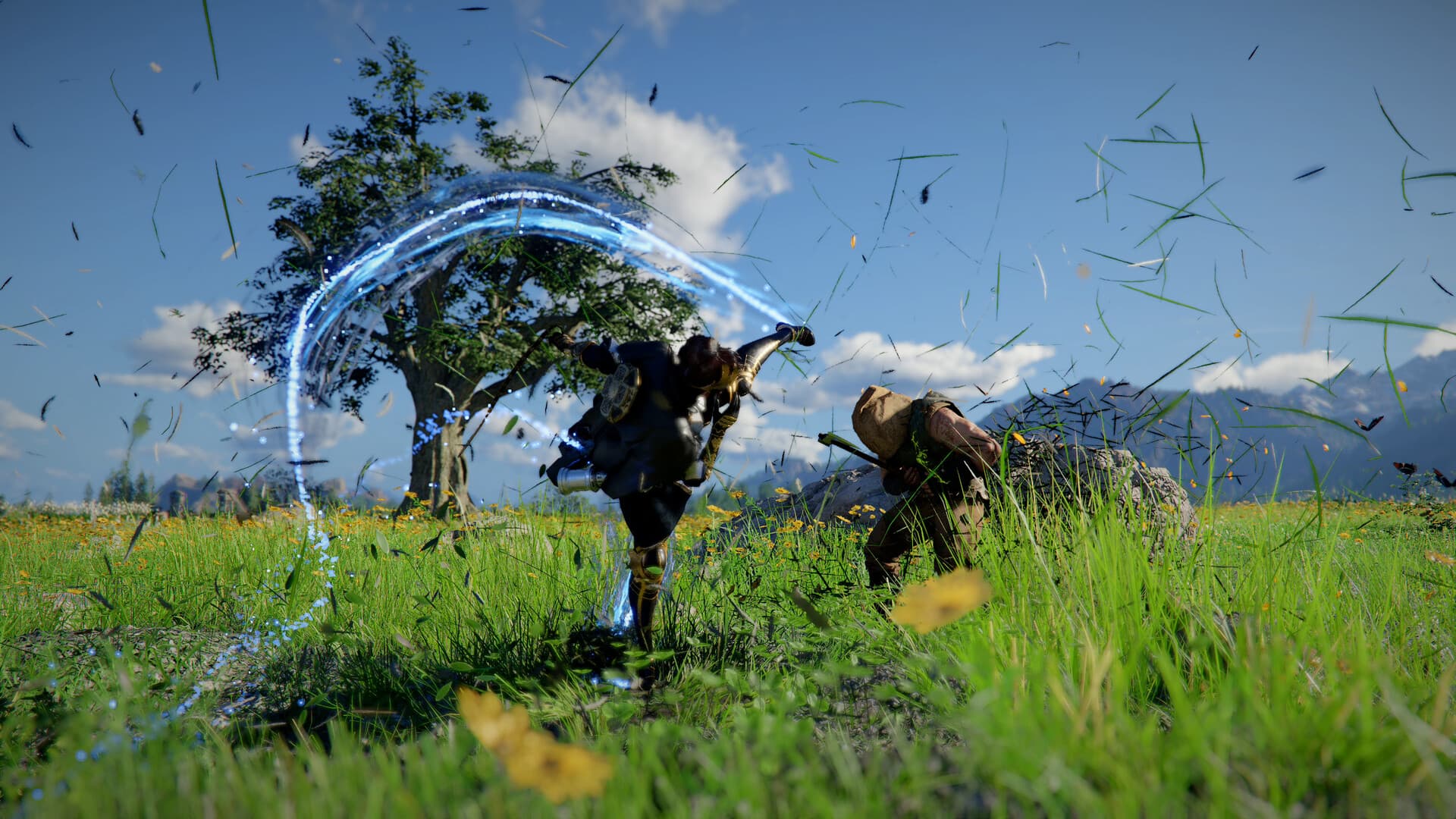
Crimson Desert Mods
Crimson Desert mods for PC: where communities share files, safety basics, and how patches break or restore your mod list.
- Platform focus
- PC
- Official stance
- Follow Pearl Abyss terms; mods are unofficial
- Risk
- Updates can break mods; back up saves
Mods for Crimson Desert
Crimson Desert mods are a top search topic for PC players who want UI tweaks, quality-of-life tools, cosmetic packs, or camera helpers. Because mods are community-made, treat every download as third-party software: use trusted hosts, read file permissions, and keep backups.
After each Pearl Abyss update, expect some mods to break until authors rebuild them. Start from our patch notes hub when something stops loading.
Safe modding checklist
- Only install mods from well-known communities and authors you trust.
- Disable or remove mods before major patches, then re-enable one by one.
- Keep a clean vanilla install path for troubleshooting.
- Never share account credentials with “mod installer” tools.
FAQ
Are Crimson Desert mods allowed?
Unofficial mods sit outside the game client. Review Pearl Abyss terms for your region and avoid anything that automates competitive or online advantage if multiplayer rules forbid it.
Why did my mods stop working?
Most often a game update changed files the mod hooked into. Check patch notes, then wait for mod authors to publish compatible builds.